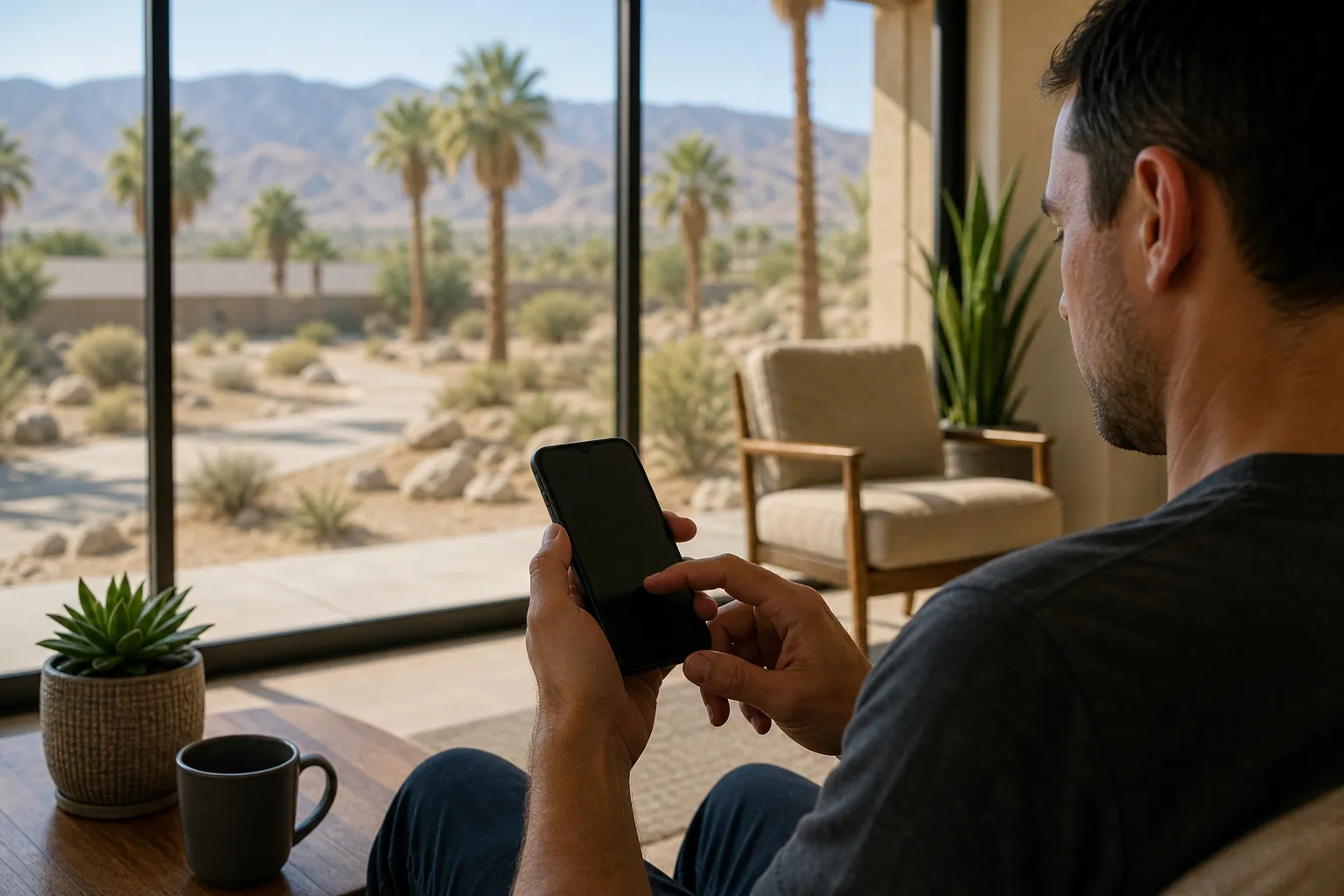
Protecting digital privacy during rehab means limiting who can access treatment details through devices, accounts, messages, and insurance records. Ask how the program handles private information and phone use. Review shared access when practical, and choose who receives updates. Privacy protections have limits, so confirm the rules rather than assume complete secrecy.
What Does Digital Privacy During Rehab Cover?
Digital privacy during rehab covers treatment details stored or shared through phones, accounts, messages, and billing systems. Privacy involves both program practices and personal access settings. Read how residential treatment works and use admissions support to connect care with this plan.
A treatment record is only one part of your digital trail. A calendar entry, shared inbox, or lock screen alert can reveal care. Even a ride receipt may show a treatment location. Think about access to everyday tools, alongside formal health records.
Program privacy rules and your own account settings serve different roles. A program can explain how staff handle records and messages. Your personal settings control many alerts, saved passwords, and shared services. Neither side can fully control information someone has already seen.
Privacy also differs from phone access. A program may limit devices while still protecting treatment records. Another setting may allow some phone use under set rules. Confirm both policies without treating one as proof of the other.
Living Longer Recovery provides medical detox and residential treatment in Desert Hot Springs, CA. The program serves adults across California, without implying other locations. Phone rules, communication methods, and record access practices need direct confirmation.
You don't need a complete digital plan before seeking care. Start with the concern that matters most, such as shared email. The admissions team can explain its process and discuss communication preferences. That conversation is separate from any later clinical assessment.

How Can You Limit Exposure From Shared Devices?
Shared devices can expose treatment searches, saved passwords, and account alerts. Reviewing access can reduce unwanted sharing, though changes cannot erase every existing copy. You can prepare for residential care while discussing the next step through the admissions process. You can contact the program before every practical detail is settled.
A family tablet or work laptop may keep browsing history. Saved passwords may open email without another sign in. Some browsers also copy tabs and searches across linked devices. Private browsing does not remove records from every account or network.
Use a personal device for sensitive tasks when practical. Avoid saving new passwords on a device other people use. If a device belongs to an employer, personal browsing may remain visible. A personal phone may still share data through linked accounts.
- Turn off message previews that display private content on locked screens.
- Review which devices can open your email and cloud accounts.
- Sign out of sensitive accounts on devices that other people use.
- Choose account recovery details that do not depend on shared access.
Check Access Beyond The Main Screen
A locked phone can still show message previews. A watch, car screen, or home speaker may repeat alerts. Shared cloud accounts may also sync screenshots and files. Review linked devices rather than focusing only on the phone itself.
These changes are optional privacy measures, not admission requirements. Don't delay needed care to finish a device cleanup. If access is hard to change, explain the concern directly. Staff can discuss available communication choices without needing your account password.
What Should You Know About Phones During Treatment?
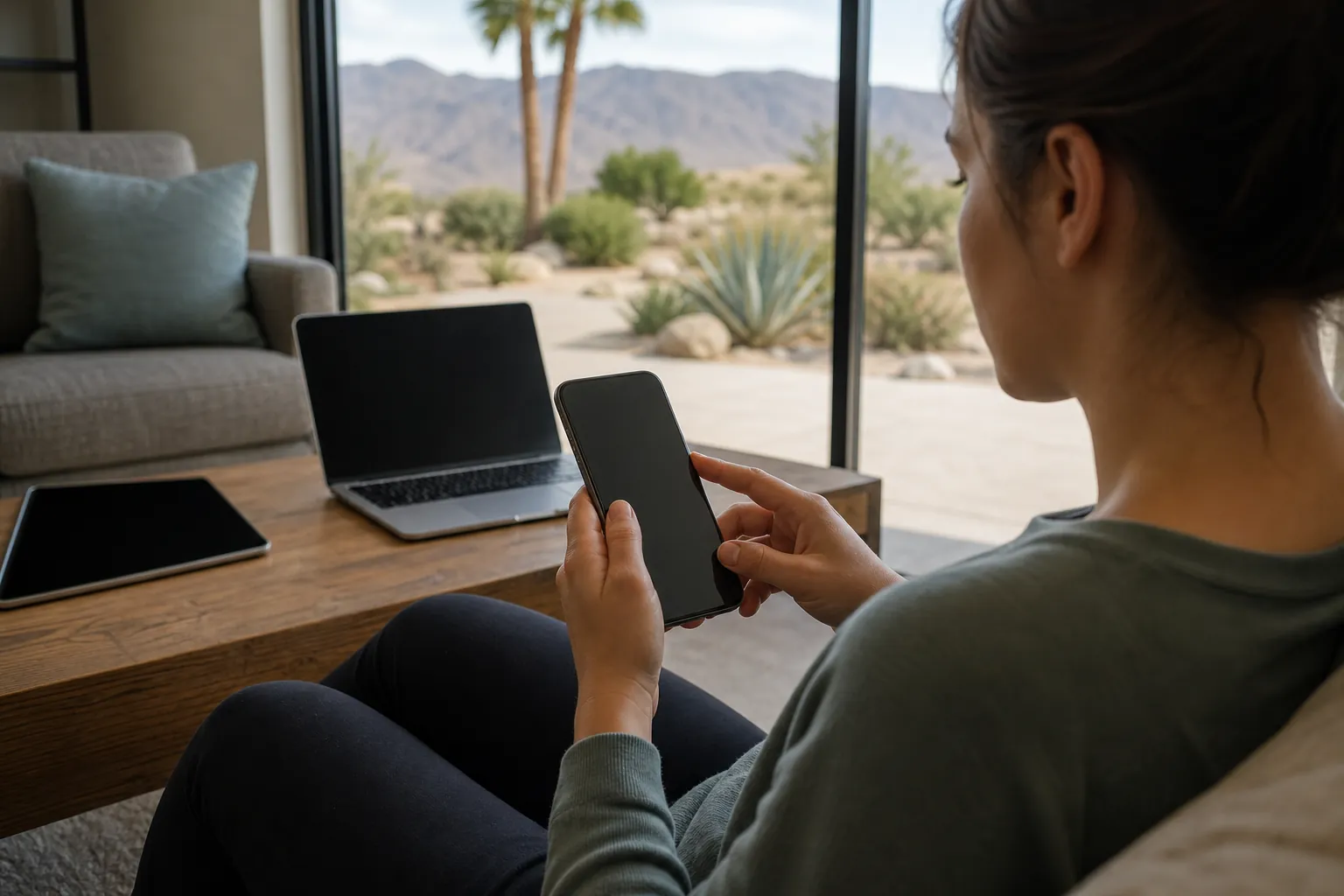
Phone access during treatment depends on program rules and clinical needs. Ask admissions to explain device storage, allowed use, and private contact options. Discuss admission timing alongside the practical needs of a residential stay. You can contact the program before every practical detail is settled.
Don't assume a phone stays with you throughout care. Also, don't assume all programs collect devices or ban internet use. Living Longer Recovery's specific device rules require confirmation. General treatment descriptions cannot establish the program's daily phone practices.
Phone limits can affect practical tasks beyond social media. Email access may be needed for account recovery or work matters. Banking and other services may send a sign in code. Explain any essential access needs without sharing passwords with admissions.
SAMHSA describes several forms of substance use treatment with different care needs. That guidance does not establish any facility's device policy. At Living Longer Recovery, the confirmed services are medical detox and residential treatment. The clinical team can explain how care needs affect contact arrangements.
If someone stores your device, confirm how access and return work. A clear process matters more than a broad promise of privacy. Storage alone does not stop alerts on linked devices. Your account settings still matter while the phone is out of use.
Some people prefer less screen time during care. Others need limited contact with children or trusted support people. Discuss those needs with the team rather than assuming unrestricted access. Avoid sharing your main password as a shortcut for routine updates.
How Can Insurance Messages Reveal Treatment?
Insurance messages can reveal that treatment was reviewed, billed, or paid. Shared portals, mail, and email alerts may reach another household member. Read how residential treatment works and use admissions support to connect care with this plan. You can contact the program before every practical detail is settled.
A benefits review checks plan details; it does not establish admission. Coverage decisions and clinical assessment are separate steps. HealthCare.gov explains that mental health and substance use coverage has plan rules. Those rules do not establish how privately your household receives messages.
An explanation of benefits is a plan's claim summary, not a bill. A summary may still contain provider or service details. Portal access may differ for the policyholder and other covered adults. Ask the plan to explain what each person can view.
Changing an email address with the program may not update your insurer. Paperless settings may still send alerts to an older inbox. Mail preferences may also apply differently across documents. Confirm each system rather than relying on one change.
| Message Route | Possible Exposure | Detail To Confirm |
|---|---|---|
| Program email | Shared inbox access | Preferred contact address |
| Insurance portal | Linked household access | Who can view claims |
| Paper mail | Shared mailbox | Available mailing choices |
| Text alerts | Lock screen previews | Alert content and settings |
Who Can Receive Updates About Your Care?
The program should explain who may receive treatment information and under what rules. Naming an emergency contact may differ from allowing routine updates. You can prepare for residential care while discussing the next step through the admissions process. You can contact the program before every practical detail is settled.
HHS explains protections for certain substance use treatment records. These protections have rules and exceptions; they do not make shared personal devices or household insurance accounts private.
A release of information records permission to share certain details. Before signing, understand the recipient, purpose, and scope. Ask how long permission lasts and how changes are handled. Don't assume every form allows the same kind of sharing.
Family support can help, but support does not require unlimited access. SAMHSA's family resources describe ways loved ones can support recovery. You may want one trusted person involved in practical matters. Your preferences should be discussed within the program's rules and applicable law.
Group messages create a separate concern. One update can be forwarded, saved, or shown to others. Program privacy practices cannot fully control what a recipient does afterward. Choose recipients with that limit in mind.
You can explain that different people need different information. Someone helping with a pet may need a return estimate. A support person may need a way to reach staff. Neither task automatically requires a full account of treatment.
- Name the people you want involved in routine treatment updates.
- Describe the kinds of information each person needs to receive.
- Tell staff when a shared phone or inbox creates privacy concerns.
- Review how to change sharing permissions if your preferences shift.
How Do Work Accounts And Social Media Affect Privacy?
Work accounts and social media can reveal treatment through alerts, tags, and shared access. Keep personal care details separate from public posts where practical. Discuss admission timing alongside the practical needs of a residential stay. You can contact the program before every practical detail is settled.
A work calendar entry may be visible to coworkers. An automatic reply may share more than you intended. A general absence message can limit extra detail without making false claims. Employment or leave paperwork may still need separate handling.
Use the employer's proper process for any required documents. Don't assume a manager needs the same details as a benefits office. The recipient and purpose matter when sending health information. Program staff can explain which documents they can provide.
Social platforms can reveal location without a direct treatment post. Friends may tag a photo or mention a visit. Old location settings may remain active while you're offline. Review available controls if public sharing is a concern.
You don't owe a public explanation of your care. You can choose to share your story later or keep details private. A private account still allows screenshots and forwarding. Think of privacy settings as limits on access, not complete control.
Avoid giving someone full account access just to manage routine tasks. A trusted person may be able to help another way. For example, they can receive a separate practical update. Keep treatment messages out of broad workplace or social group chats.
How Can You Keep Information Private After Rehab?
Privacy after rehab means reviewing old permissions, linked accounts, and ongoing messages. Treatment details can remain in portals and inboxes after a stay ends. Read how residential treatment works and use admissions support to connect care with this plan. You can contact the program before every practical detail is settled.
Leaving treatment does not close every digital connection. Family members may still have account access or receive alerts. Some messages may go to a contact chosen during admission. Review preferences with the relevant office when your needs change.
Deleting a message from your phone may leave other copies. Email backups, screenshots, and recipient inboxes can retain information. Health and billing records follow separate retention rules. Ask the record holder about correction or deletion requests without assuming removal is possible.
Account security and recovery support can work together. You may keep regular contact with trusted people while limiting broad access. Choose how each person can reach you. A clear contact plan can reduce the need to share passwords.
If an unexpected disclosure occurs, note what was shared and where. Contact the program's privacy contact for program-related concerns. Contact the insurer for claim or portal concerns. You can request an explanation without posting more private details online.
A useful privacy plan stays flexible as your needs change. You may want more support at one point and less later. Revisit those choices with the care team as needed. Privacy should support access to care, rather than become another barrier.
- Review who still receives treatment messages after your stay ends.
- Update contact details when a shared account no longer fits your needs.
- Check linked devices after changing a password or recovery method.
- Keep needed care documents in an account you can safely access.
Questions about next steps? Call Living Longer Recovery at (747) 232-9694 or review residential treatment at Living Longer Recovery.
Frequently Asked Questions
Can Someone Call A Program To Find Out If I Am There?
A caller should not assume they can receive confirmation of your presence. Ask the program how staff handle requests about current patients. Confidentiality rules and exceptions can affect the response. If a particular caller concerns you, tell the team directly. Don't rely on an assumed policy that has not been explained.
Do I Need To Delete My Social Media Accounts?
Deleting social media accounts is not a general requirement for protecting treatment privacy. Less disruptive choices may include limiting tags, location sharing, and message previews. Account deletion also may not remove screenshots or prior posts elsewhere. Confirm any program rules separately, and choose personal settings that fit your needs.
Is Texting Admissions Always A Private Way To Communicate?
Texting admissions is not automatically private simply because the message goes to a treatment program. Shared phone plans, linked devices, backups, and screen previews can expose messages. Confirm which contact methods the program offers and what information each method carries. You can state a communication preference without sending a detailed treatment history.
Can A Loved One Handle My Accounts While I Am Away?
A loved one may help with practical tasks if you choose. That does not require access to every account or treatment message. Use limited account roles where available, and avoid sharing more access than needed. Discuss treatment updates separately with the program, since personal account access does not establish permission to receive clinical information.
What Does Insurance Approval Cover?
Insurance approval may apply to specific services under a plan's rules. Approval does not mean every service or future day is covered. A benefits review is different from approval, clinical assessment, and admission. Confirm the scope with the insurer and program. Also confirm where approval notices will appear if household access is a concern.
Sources
- Substance Use Treatment, SAMHSA
- Resources for Families, SAMHSA
- Mental Health and Substance Abuse Coverage, HealthCare.gov
Call (747) 232-9694 to talk through next steps.